Improving the Journey Page Builder UI
Reducing friction and cognitive load during page creation.
Problem Statement
The Journey Page struggled to clearly guide users toward meaningful actions.
Critical content competed for attention, primary CTAs were easy to miss, and users lacked a sense of progression or purpose when landing on the page.
While direct quantitative analytics were limited, multiple qualitative signals pointed to usability breakdowns:
Repeated navigation loops
Internal feedback highlighting confusion around next steps
Heuristic evaluation revealing weak hierarchy and content overload
These issues suggested the page was increasing cognitive load instead of supporting confident decision-making.
Role & Responsibilities
Product Designer / UX Designer
Timeline: 1 month
Users: Salesperson, business owners
I led the UX and UI design work, including problem definition, usability review, layout refinement, and final design delivery. I worked closely with stakeholders to ensure the solution aligned with product constraints and the existing design system.
Research & Insights
Research Methods
Heuristic evaluation
Competitor and pattern benchmarking
Review of internal feedback and observed user behavior
Key Insights & Design Decisions
Insight
Design Decision
Research Summary
Based on usability review and qualitative feedback:
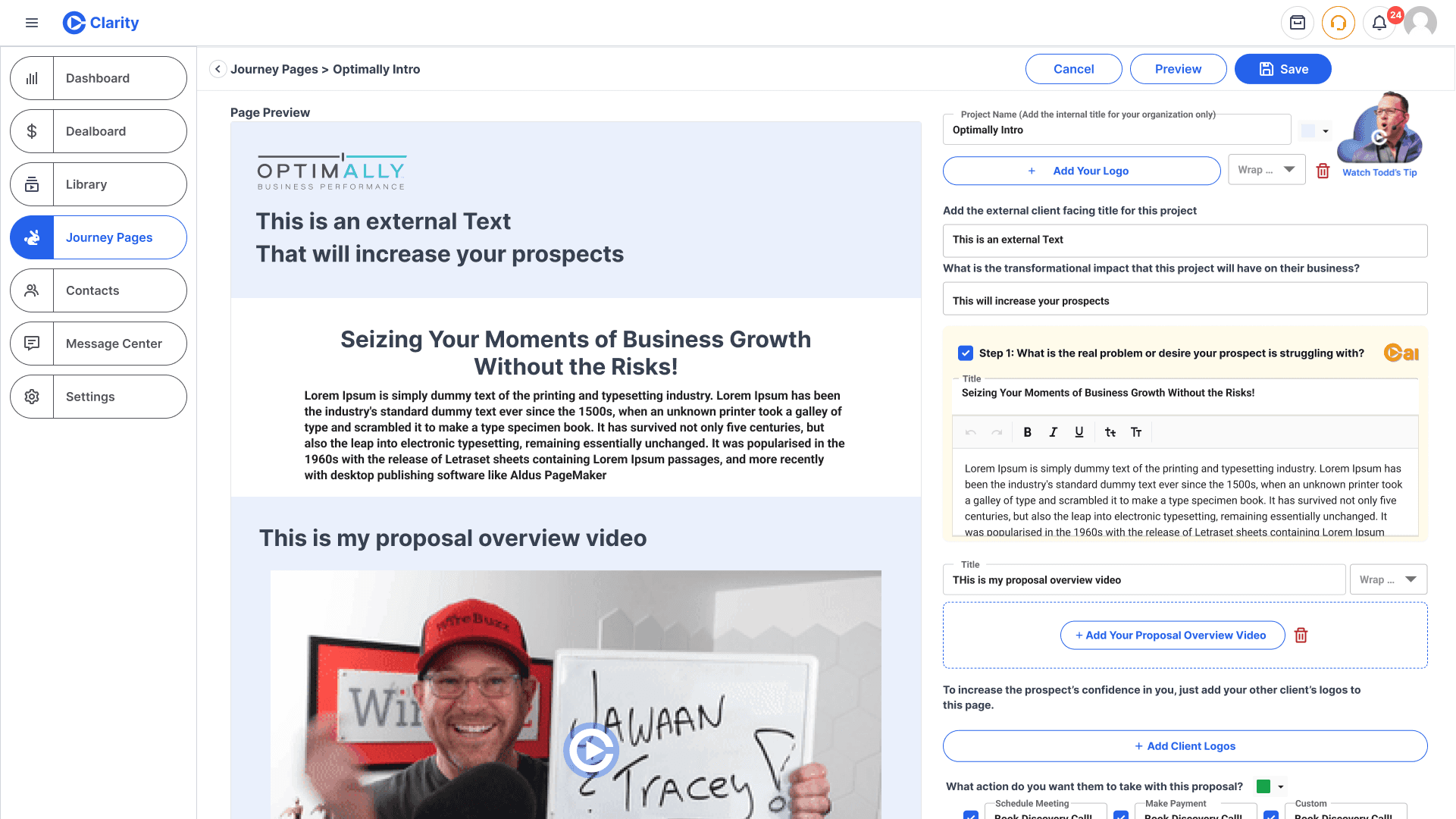
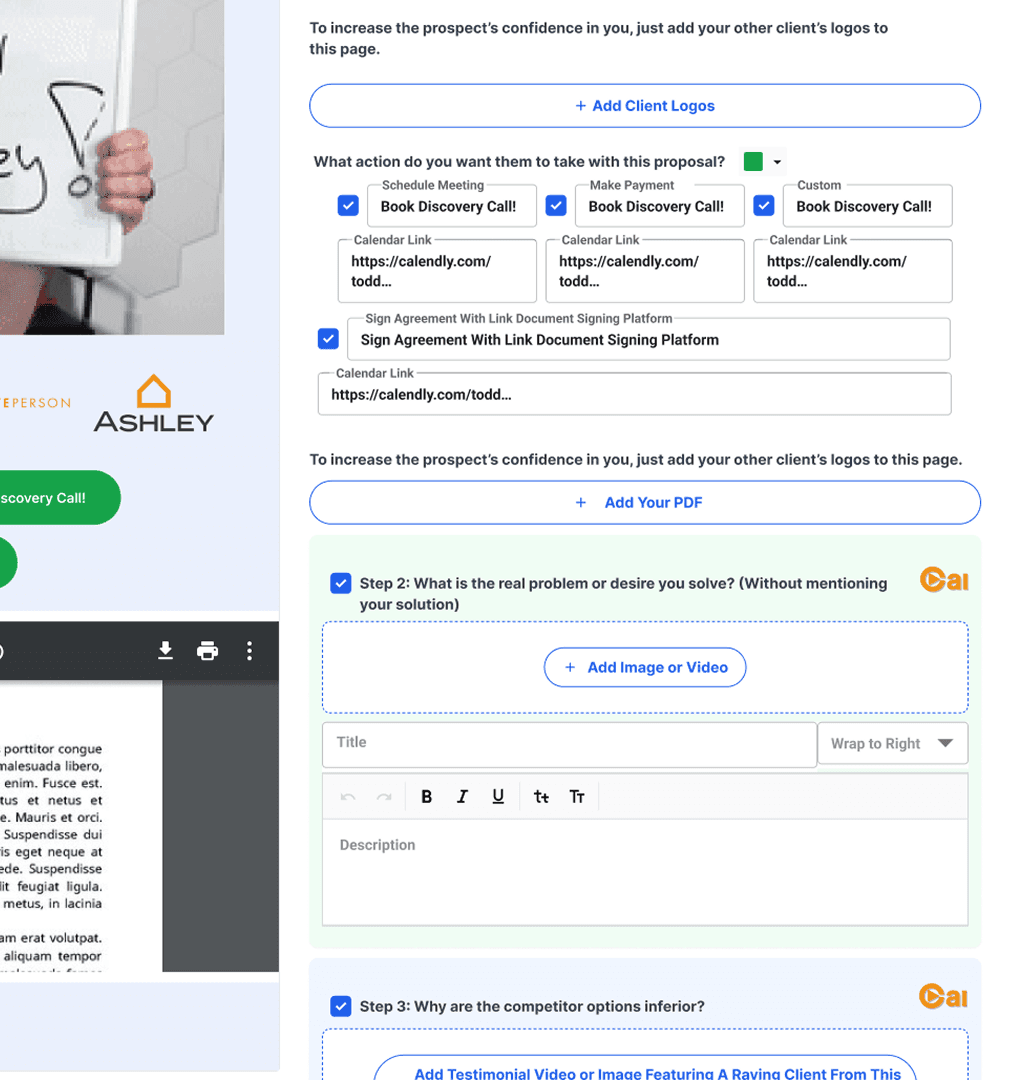
Complex Steps - multiple paragraph of instructions visually dominate the screen causing cognitive overload & prevent users from scanning or skimming effectively.
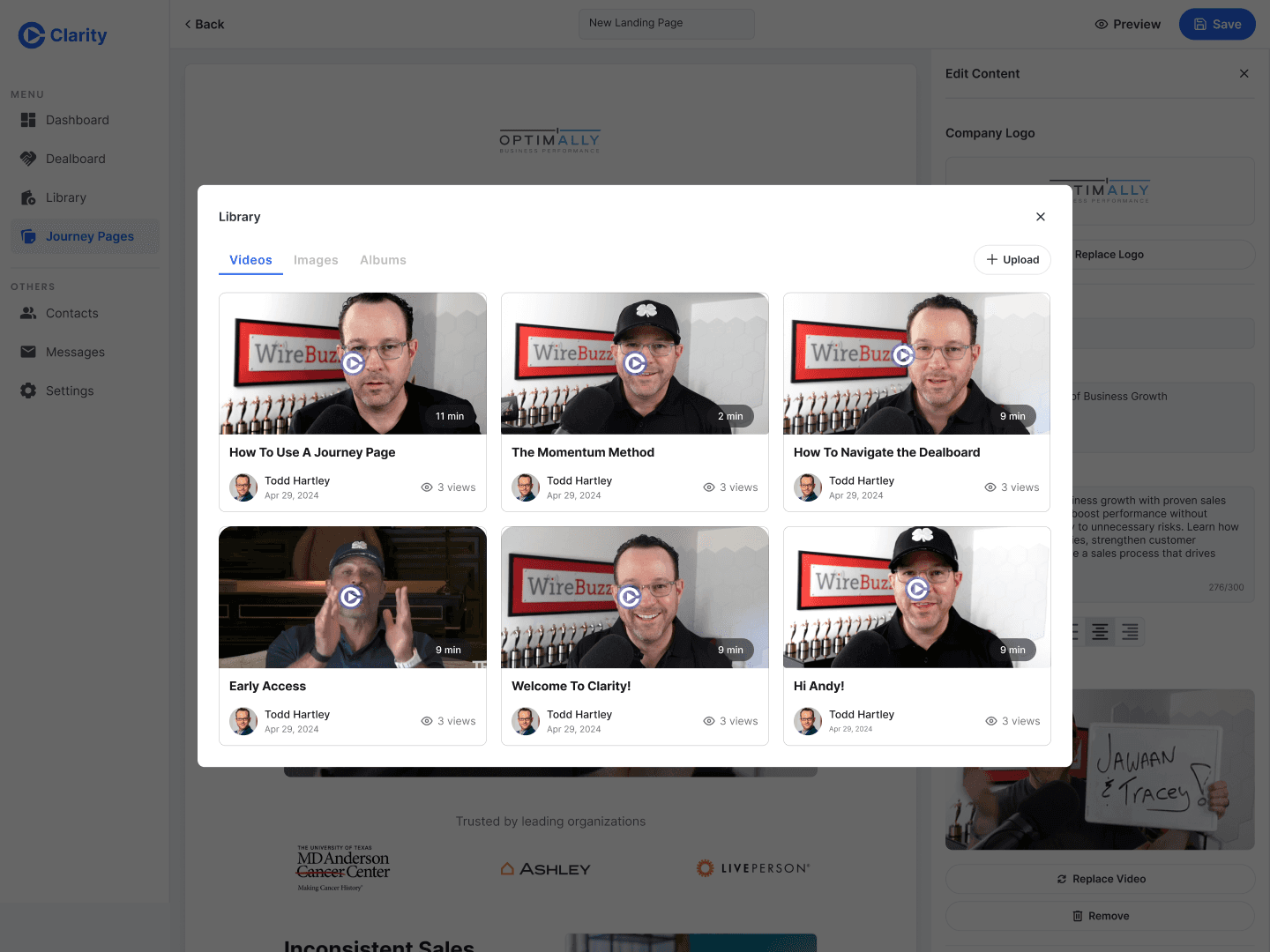
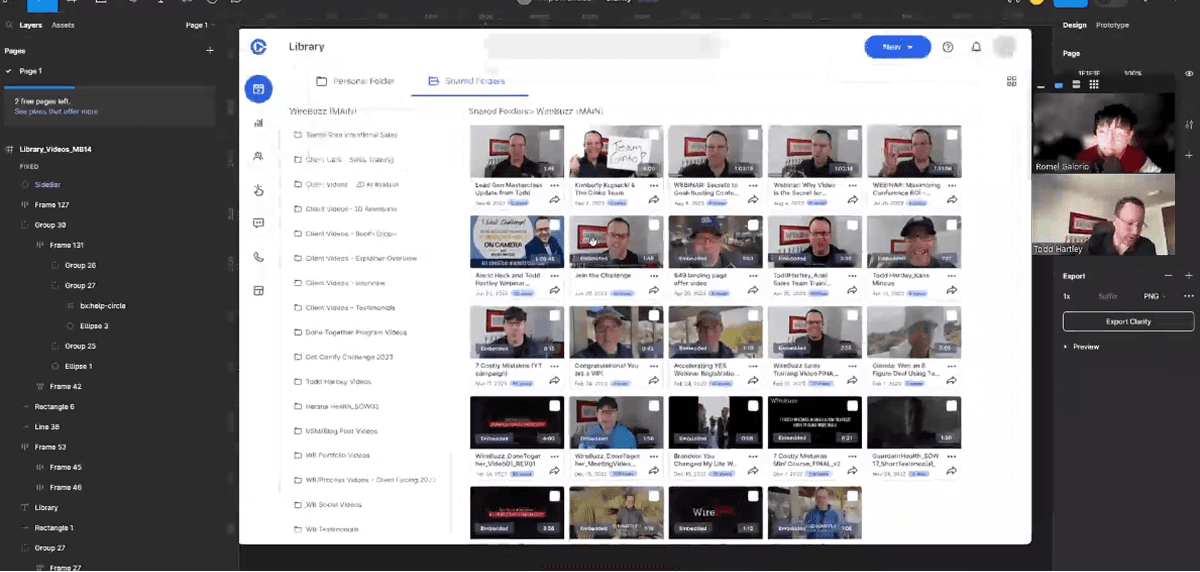
Broken workflow dependencies - Key actions (such as adding logos or videos) require leaving the Page Builder to access the Library. This causes mistakes and disrupt user flow.
These findings highlighted the need for stronger hierarchy and clearer structure
Goals
Clarify the user journey and next steps
Reduce cognitive load during exploration
Improve content scanability and hierarchy
Enable easier iteration for future enhancements
Design Approach
Simplifying the Layout
The redesign focused on restructuring information rather than adding new UI patterns. Content was grouped more intentionally, spacing was adjusted to create breathing room, and visual hierarchy was strengthened to guide attention naturally.
Primary actions were more prominent, while secondary information was deprioritized to reduce noise.
Clarifying Visual Hierarchy
Typography, spacing, and component consistency were refined to ensure users could quickly scan and understand:
What the page is about
What actions are available
What content deserves attention first
This approach favored clarity and predictability over novelty.
Reduce workflow dependencies
Let users upload logos or videos, without jumping back to the Library
Allow adding logos directly from the Journey Page
Constraints & Trade-offs
Due to time and resource constraints, the solution prioritized layout refinement and component revamp within the existing design system, thus success metrics can’t be evaluated.
This allowed the team to deliver meaningful improvements quickly while keeping the design scalable.
Success Metrics (Post-Launch)
If measured post-launch, success would be evaluated using:
Task completion rate
Time-to-first-action
These metrics would validate whether clarity improvements translated into behavioral gains.
Key Learnings
Clear hierarchy and structure often have more impact than adding new features.
Small layout and spacing adjustments can significantly influence user confidence and decision-making when applied intentionally.
With access to live analytics and direct user testing, I would validate assumptions through task-based usability tests and iterate on personalization strategies once baseline clarity is established.
Testimonials
All rights reserved © 2026
Romel Galorio